
Installing the EpsonNet utility
The EpsonNet utility can be downloaded HERE
NOTE: This utility must be installed on the computer running Wasatch SoftRIP.
After double-clicking on the downloaded file, select the language you want to use for the utility.
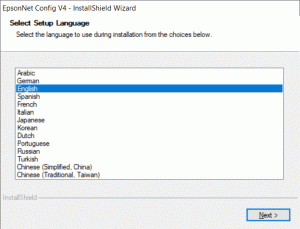
To start the installation wizard, click Next.
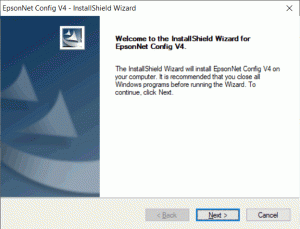
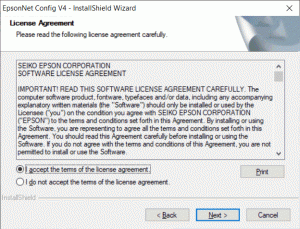
Acceptance of the terms of the license agreement is required before the utility can be installed.
Select the appropriate selection and click Next.
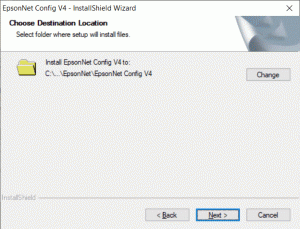
Set the destination folder for the utility to be installed.
As a rule, the displayed standard location is a good choice.
Click Next to proceed with the installation.
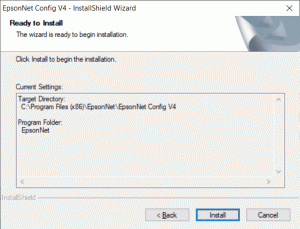
Make sure that the information displayed is the information you previously selected, and then click Install.
Once the installation is complete, the window will appear on the right side.
Click Finish to close the installation wizard.
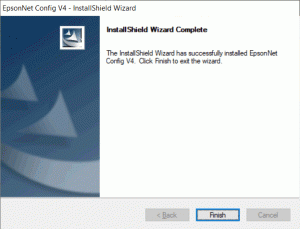
Once the installation is complete, the window will appear on the right side.
Click Finish to close the installation wizard.
After you click on "Finish", the installation of the EpsonNet utility is complete.
You can now close this window.
